Over-the-air (OTA) updates
Learn how to configure OTA updates in Spotflow, understand how to create and manage firmware versions, and roll out updates to your devices.
Over-the-air (OTA) updates allow you to remotely update firmware without physical access to the device.
Device OTA Integration
Spotflow allows you to manage OTA updates for your embedded devices.
Guide: Over-the-air updates with Zephyr
Guide: Over-the-air updates of external MCUs with Zephyr
The Spotflow device module can automatically perform OTA updates of your main firmware on Zephyr devices. It also allows you to handle OTA updates of external MCUs connected to your Zephyr device.
Firmwares & Firmware Versions
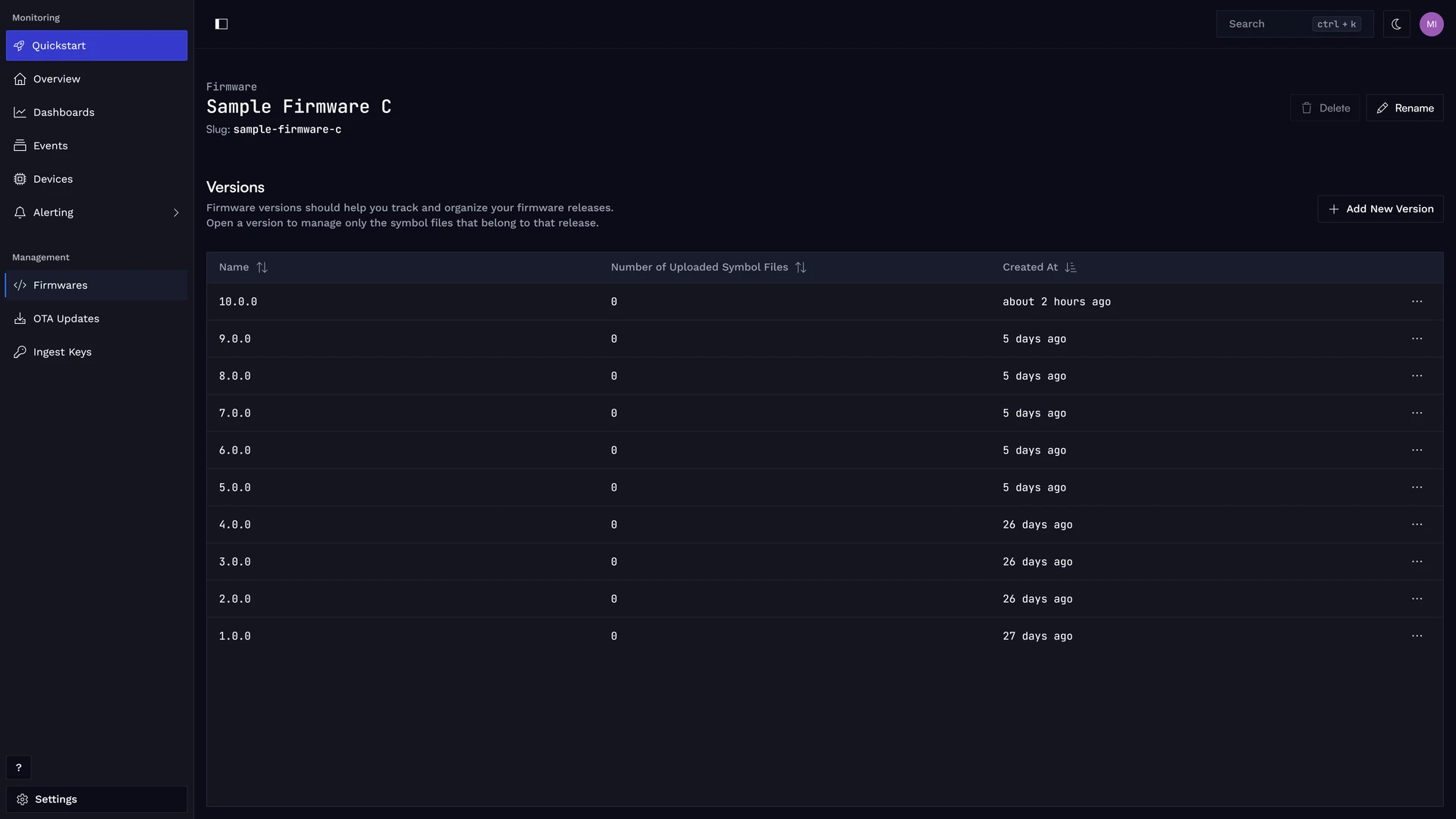
Firmwares are tracked in Spotflow, and each firmware can have multiple versions. A firmware version represents a specific build that can be deployed to devices.
Firmware Image
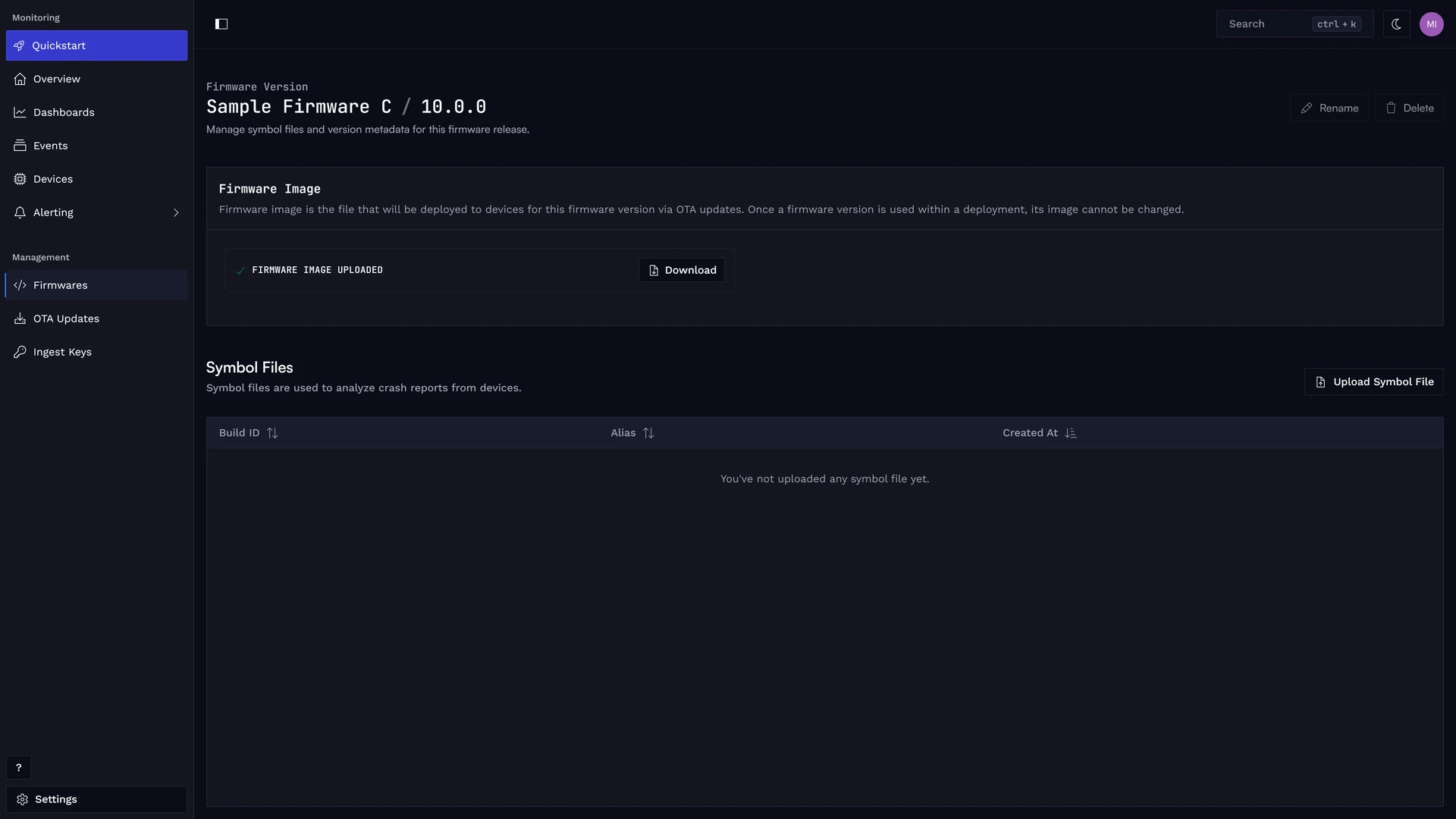
Each firmware version is associated with a firmware image file, such as a .bin file, that contains the binary flashed to devices.
Deployment Cohort
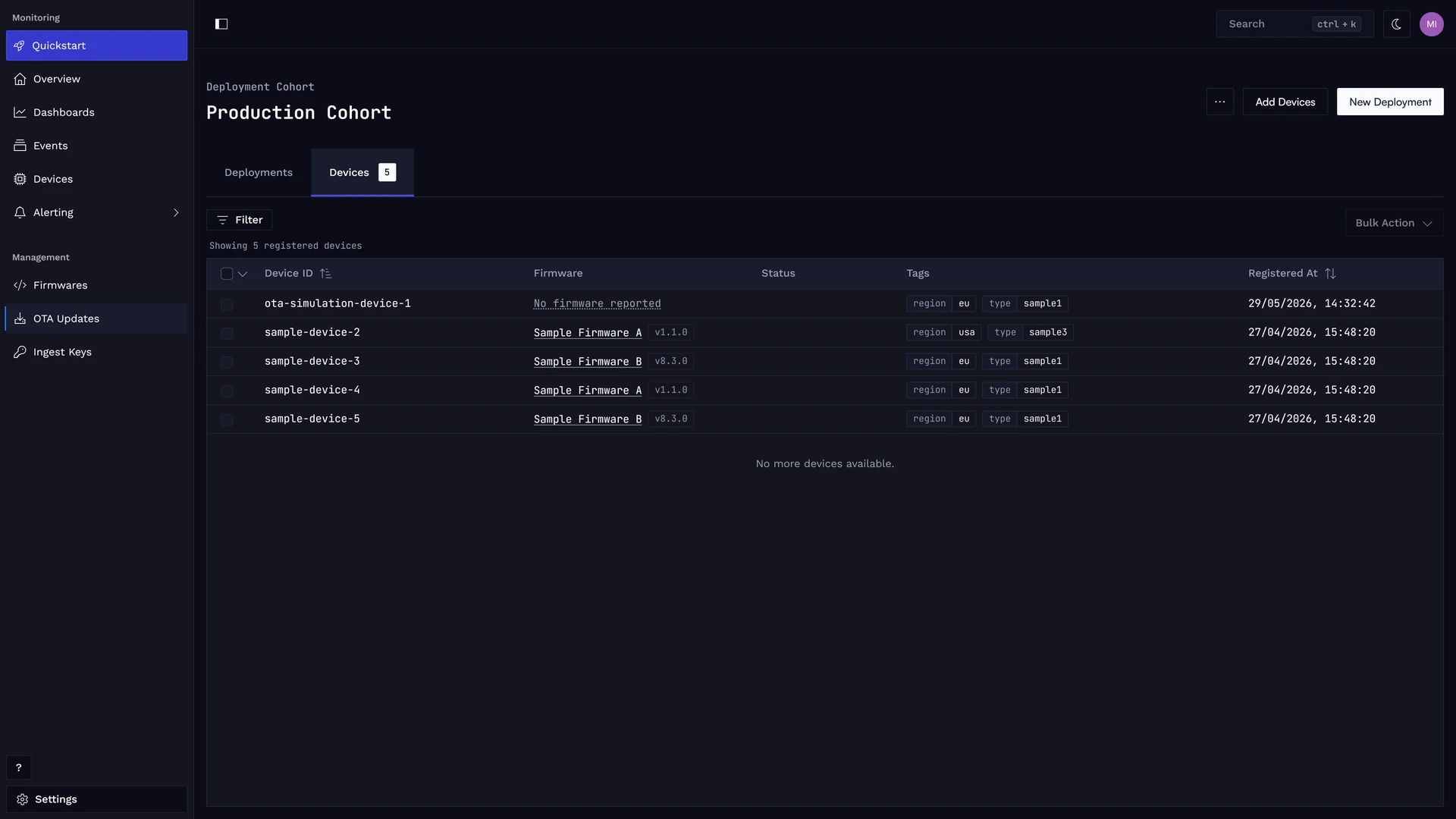
Deployment cohorts allow you to organize your devices into logical groups for targeted OTA updates. You can assign devices to deployment cohorts by selecting them manually or by choosing devices based on their tags. This enables you to roll out firmware updates to specific subsets of your device fleet.
Device Tags
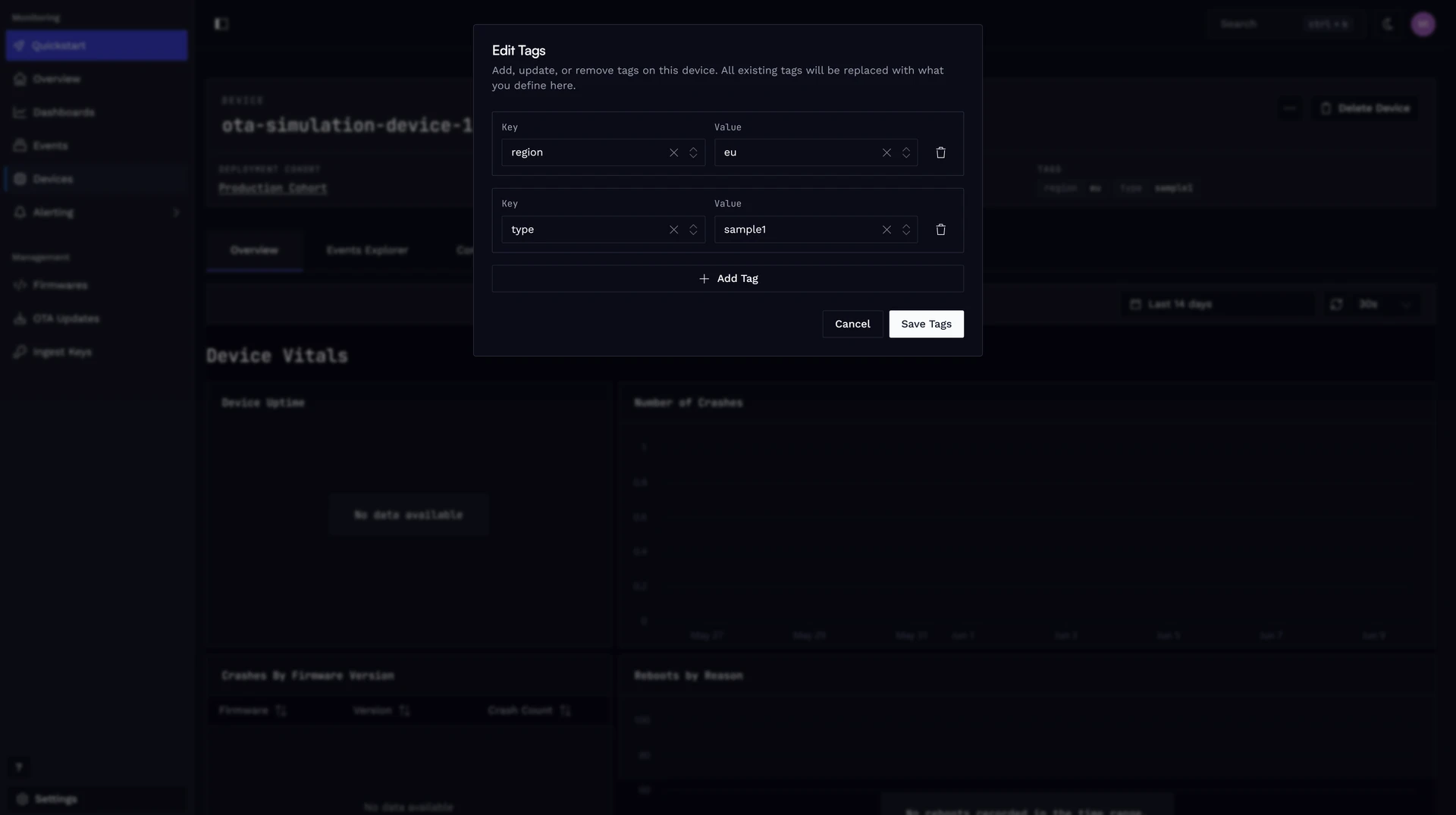
Device tags are key-value pairs that can be assigned to devices to categorize and filter them and to move them efficiently between deployment cohorts. For example, you could tag devices with their location, model, or hardware version. This allows you to create deployment cohorts based on these tags and target specific devices for OTA updates.
Deployments
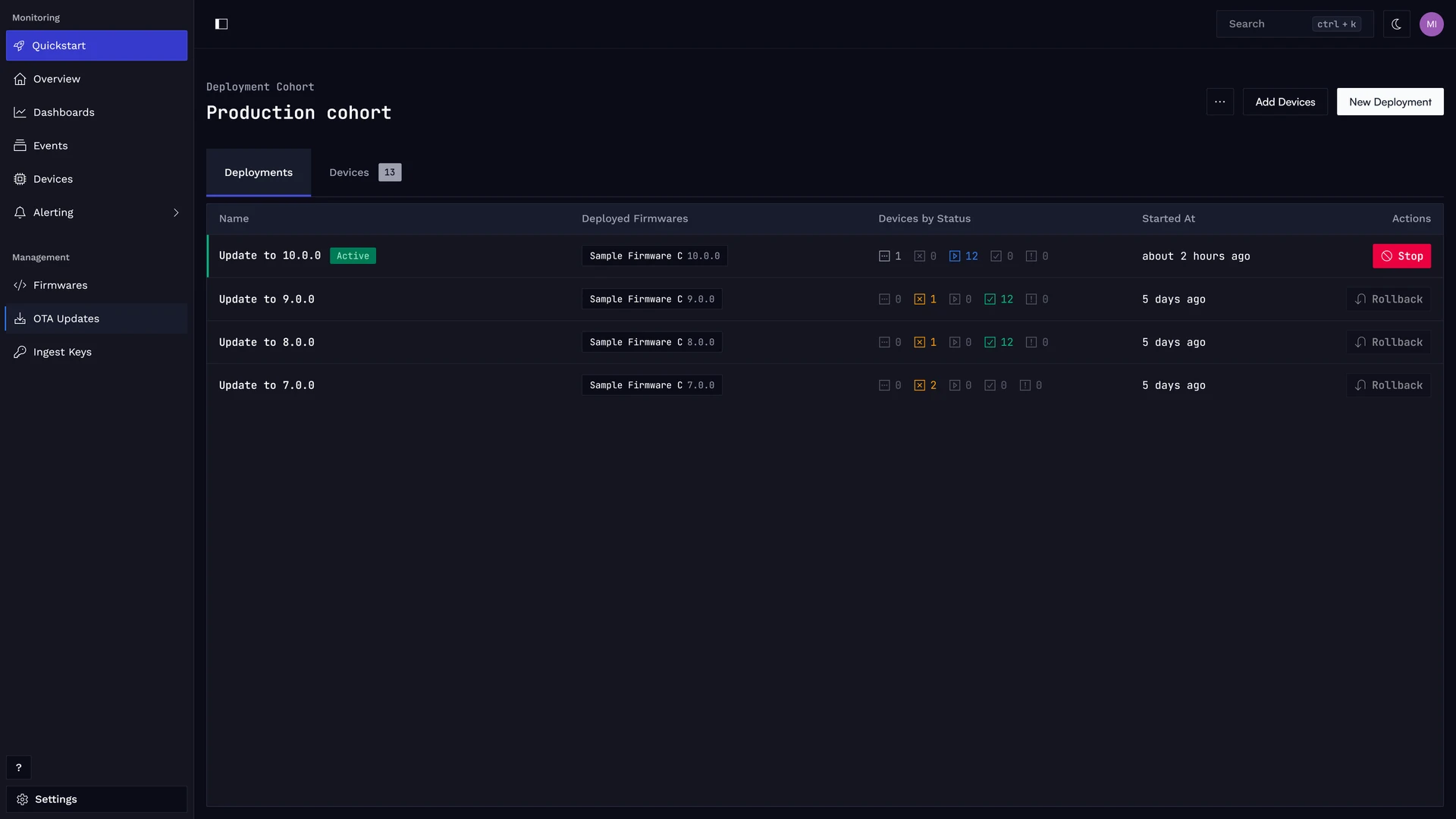
A deployment represents the process of rolling out a specific firmware version to a deployment cohort. When you create a deployment, you select the firmware version to be deployed and the target deployment cohort.
Main vs Secondary Firmware
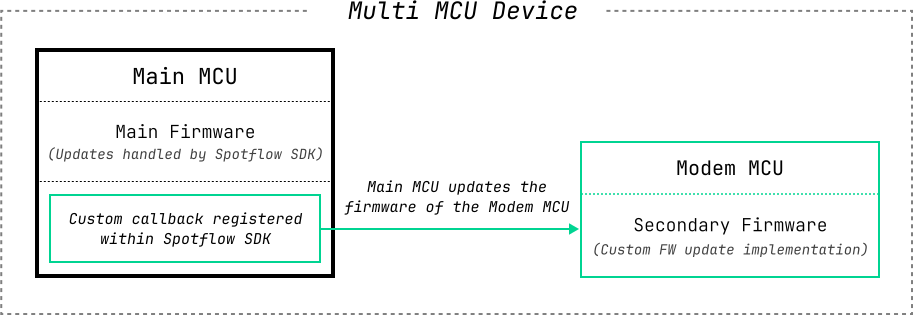
A deployment can include multiple firmware packages. The firmware that is running the Spotflow module should be marked as main. The update of this firmware is handled automatically by the Spotflow device SDK.
You can register custom callbacks within the main MCU firmware to handle the updates of other firmware packages. This setup allows you, for example, to update the firmware of a secondary MCUs like a Wi-Fi module.

Progress Tracking
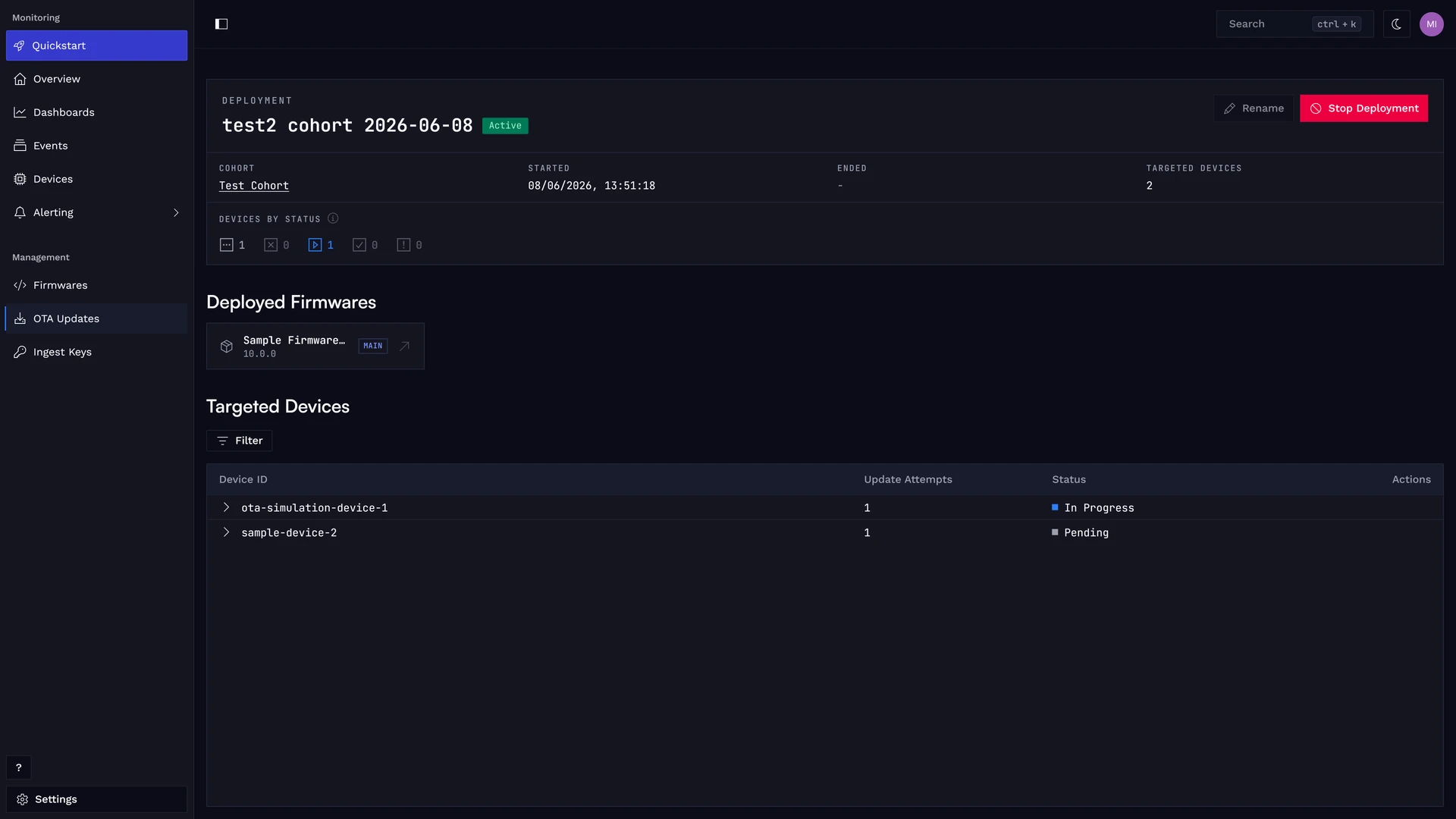
You can monitor deployment progress, see which devices updated successfully, and identify any devices that encountered issues during the update process. If a deployment is active for a cohort, it is propagated to devices that are already in the cohort and also to devices added to the cohort later.
Each device in a deployment goes through the following states:
- Pending — The device is queued and waiting to receive the update.
- In Progress — The update manifest was sent to the device and it is installing the update.
- Succeeded — The device successfully completed the update.
- Failed — The device encountered an error during the update.
- Cancelled — The update was cancelled before the device completed it.