Set up alerts
Learn how to set up alerts in Spotflow to get notified when something happens in your embedded device fleet.
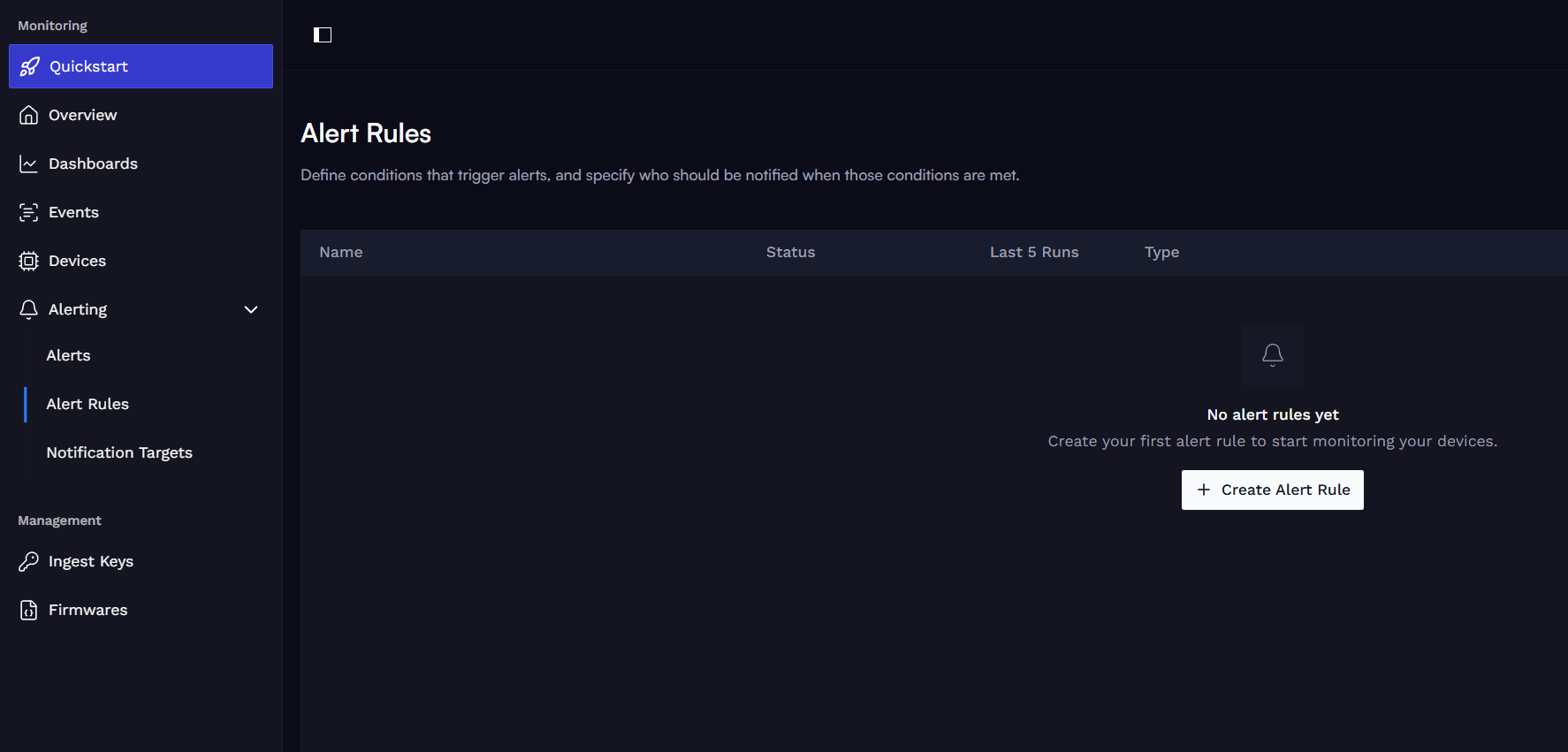
Select Alert Type
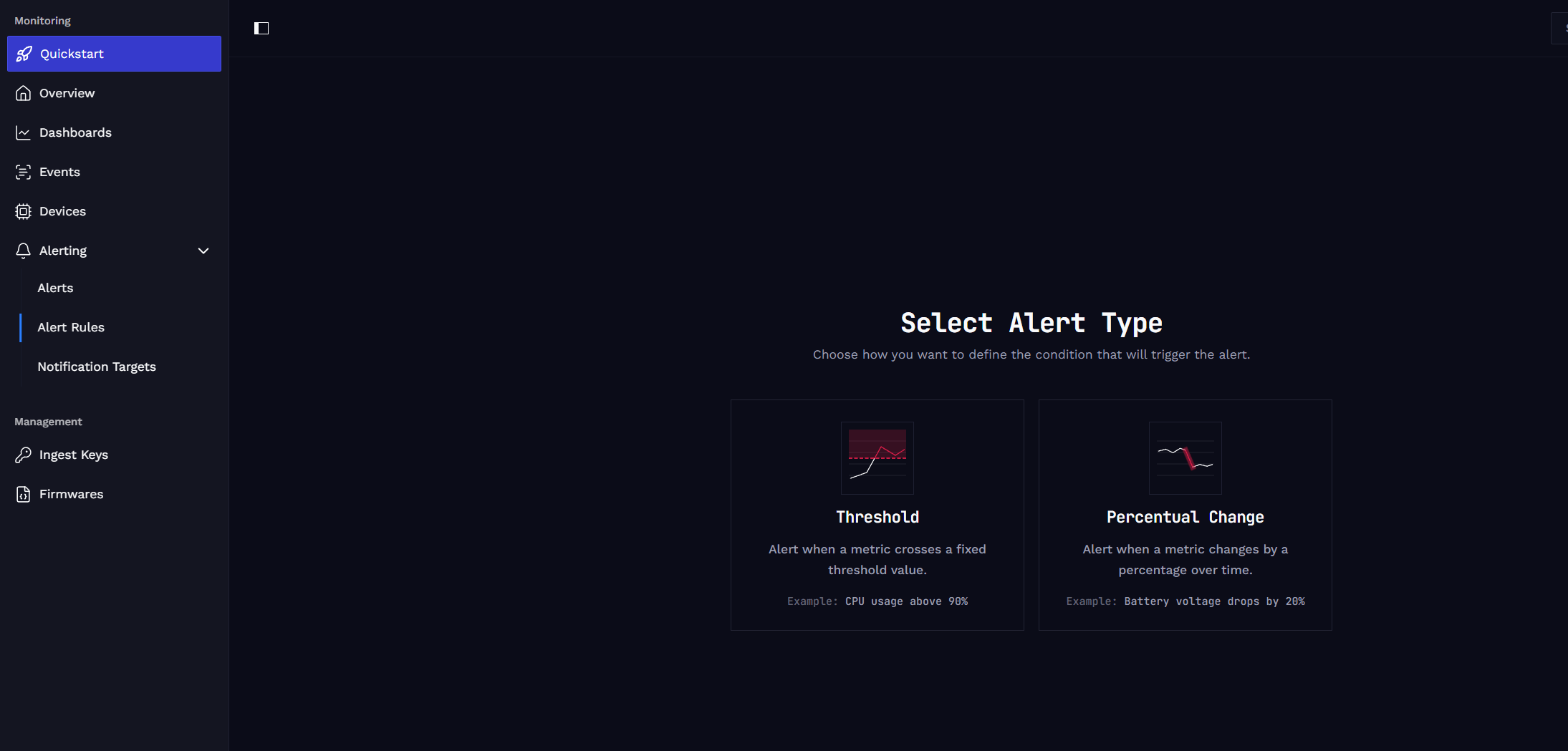
Choose how you want to define the condition that will trigger the alert. There are two types:
- Threshold: Alert when a metric crosses a fixed threshold value.
- Example: CPU Usage above 90%.
- Percentual Change: Alert when a metric changes by a percentage over time.
- Example: Battery voltage drops by 20%.
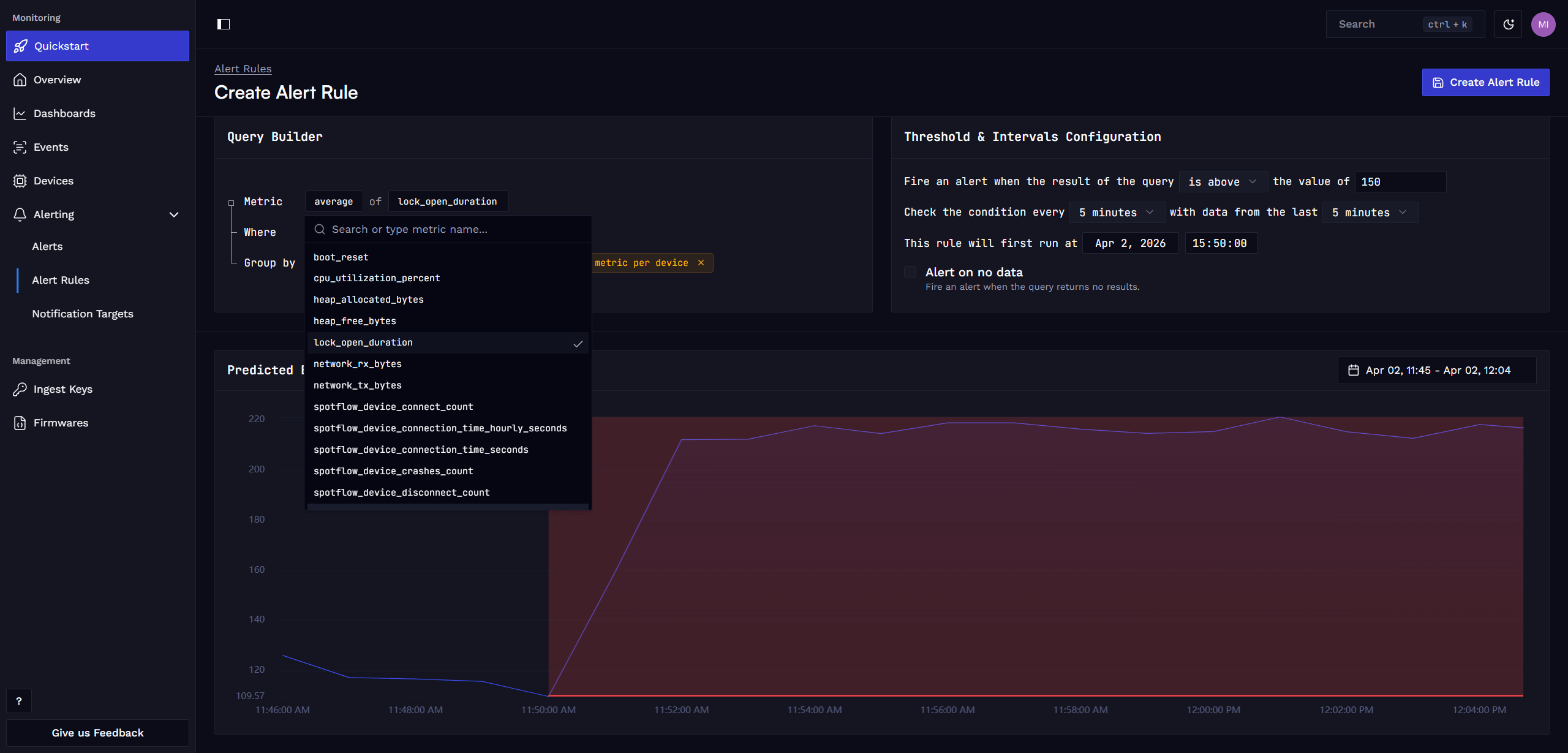
Define Alert Condition and Intervals
In the query builder, define the query that selects the relevant metric data and set the threshold, evaluation interval, and evaluation window for the alert rule.
If you want to be notified when a device goes offline or fails to report a specific metric, you can also set the alert to trigger when no data is received.
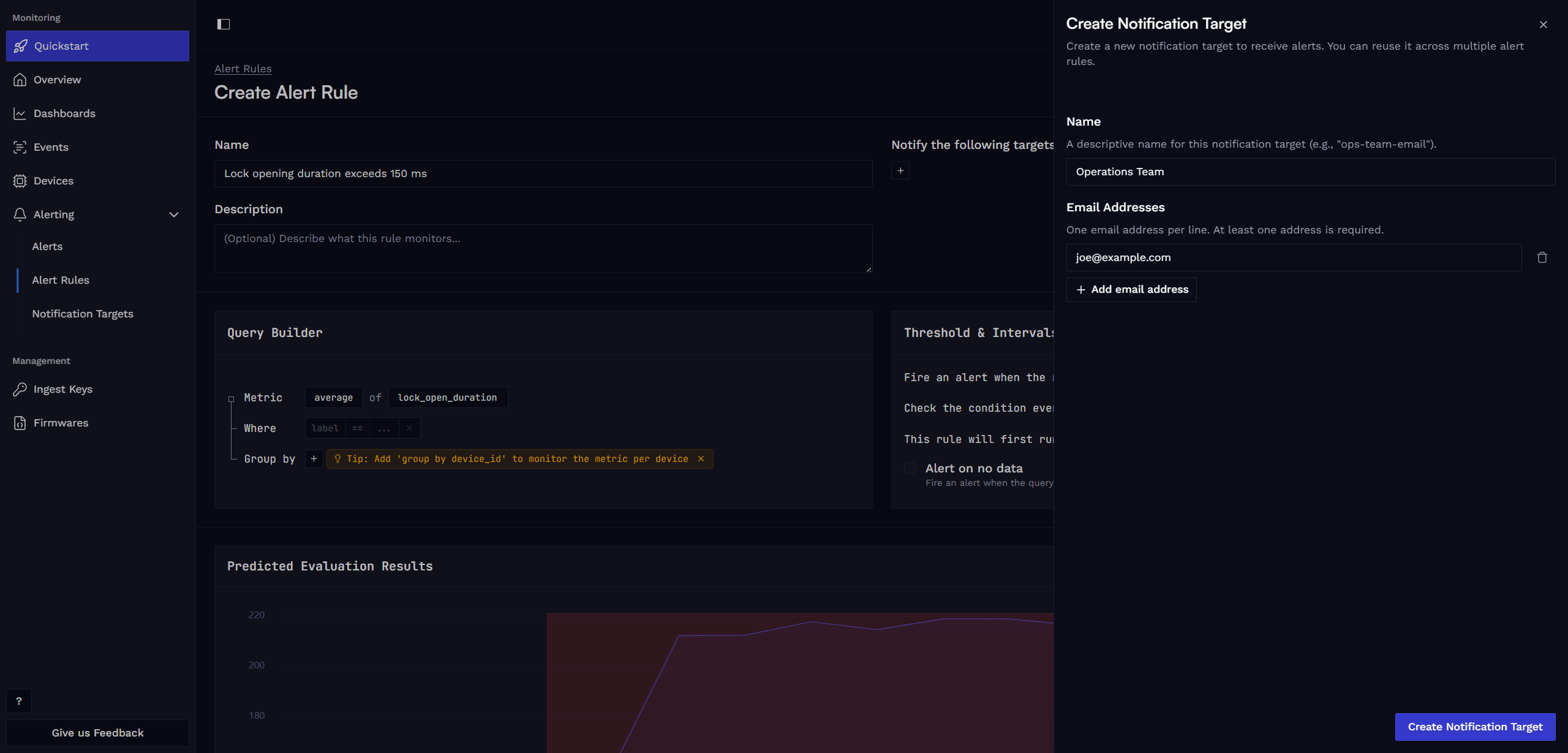
Define Alert Notification Targets
Specify a descriptive name for the alert rule and create a new notification target that should receive the alert notifications. Add any email addresses that should receive the notifications and save the alert rule.
Alert notifications are sent immediately when an alert is triggered and also when the alert is resolved.
If you wish to use a different notification method, please open a Feature request or let us know via email hello@spotflow.io or our Discord. We will be happy to work with you to incorporate necessary changes to the platform or find other suitable solution.
See Evaluations and Alerts
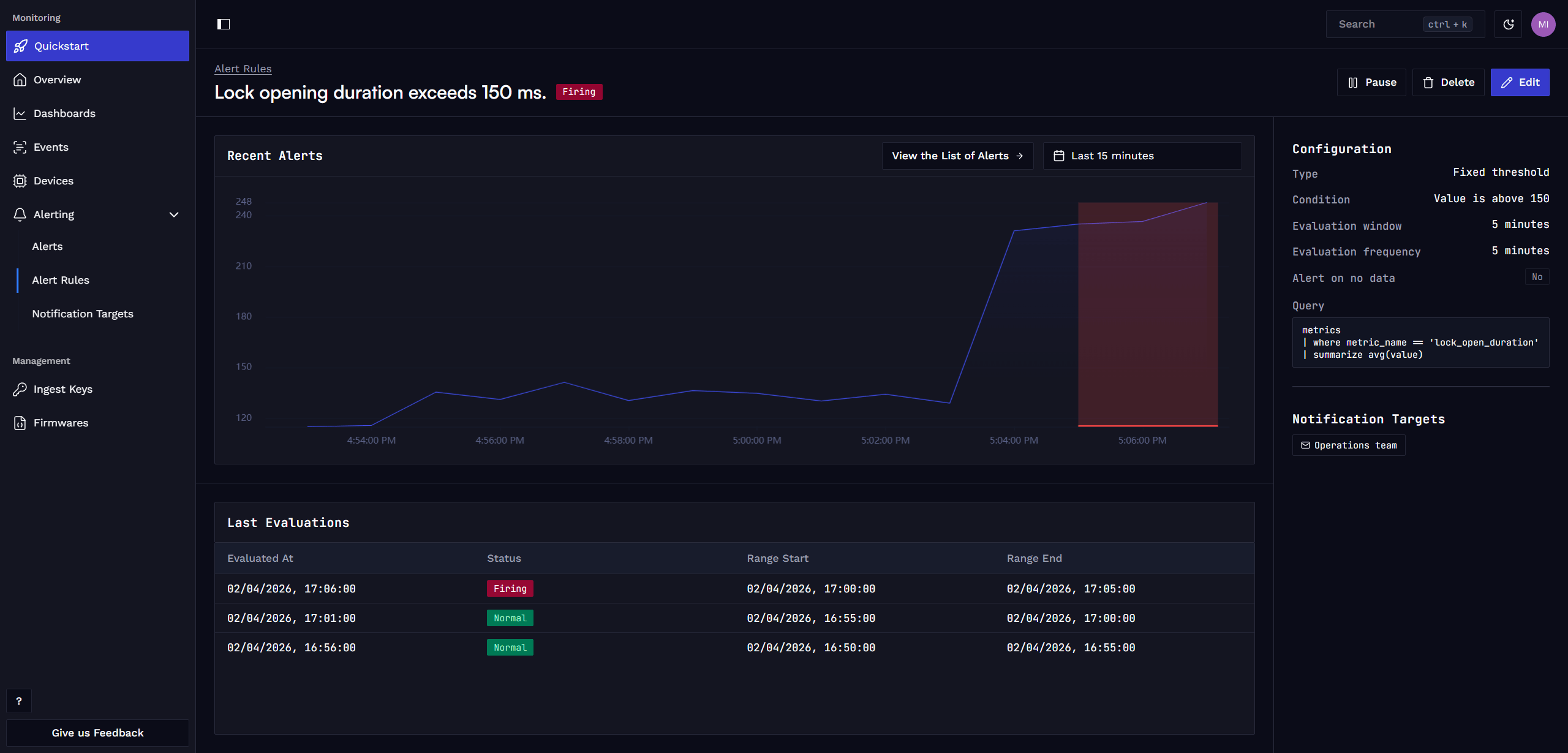
After creating the alert rule, you can see the last evaluations of the rule.
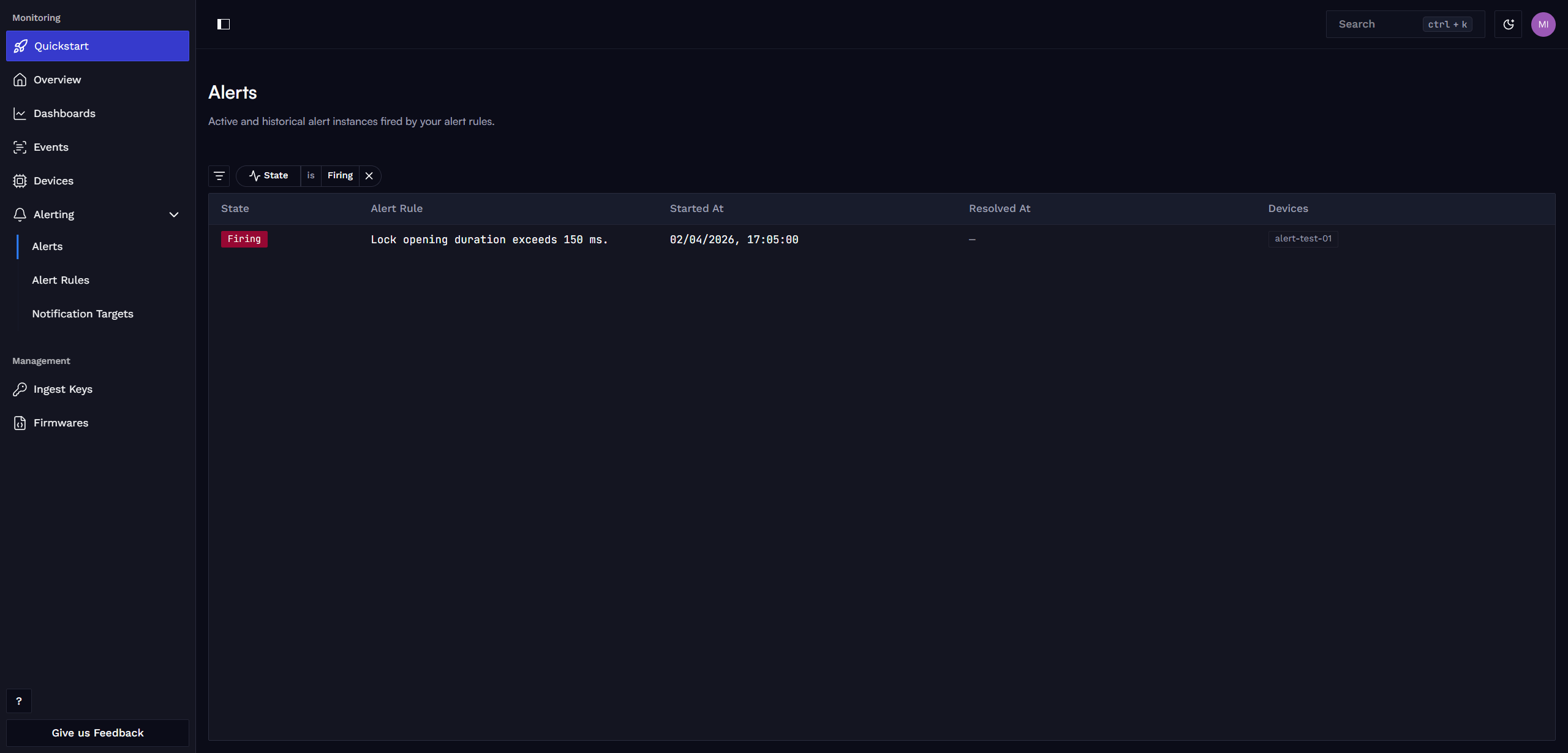
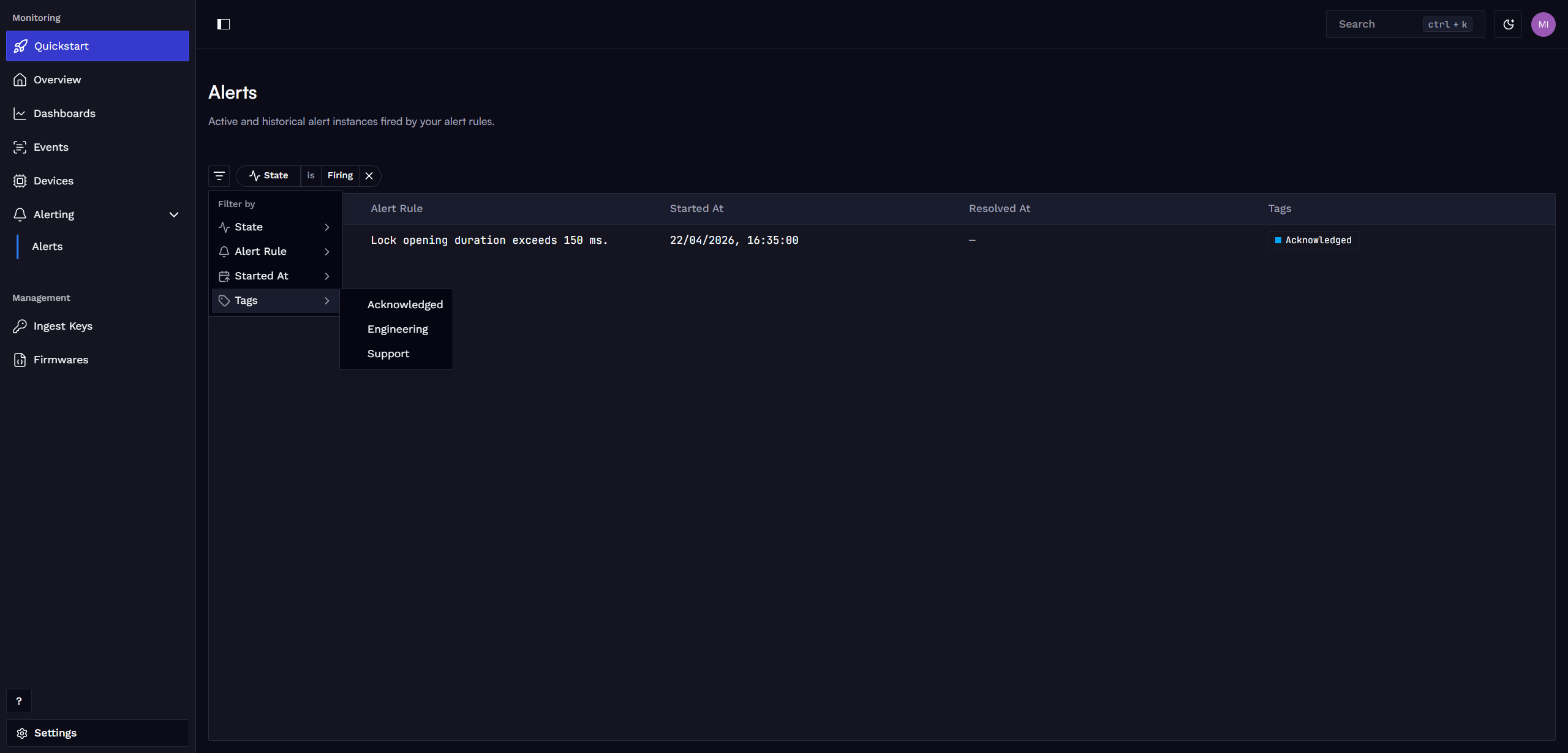
On the Alerts page, you can see the history of triggered alerts.
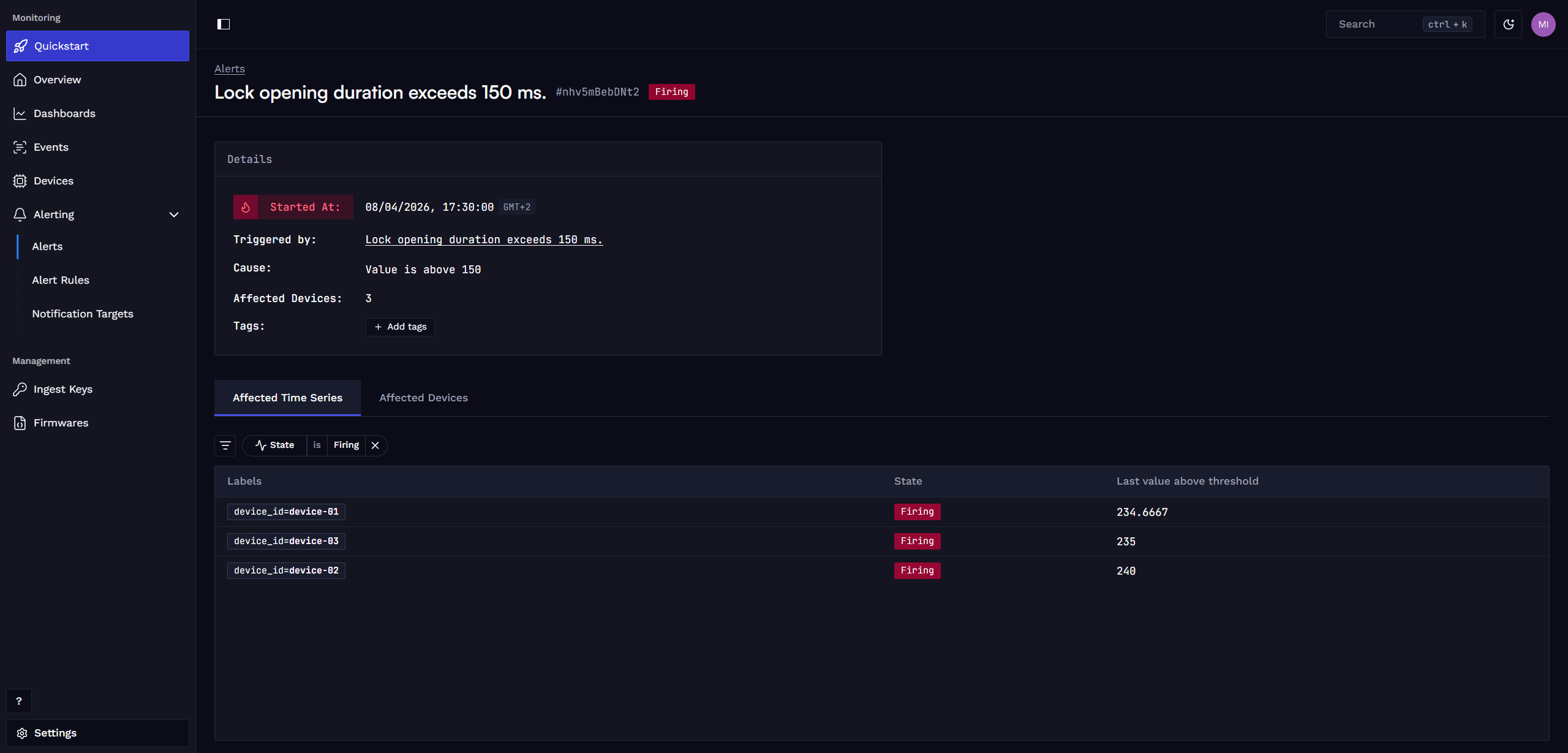
You can also click on an individual alert to see more details about it.
Add Tags to Alerts
You can create and assign custom tags to the alert to make it easier to filter alerts in the alert list.
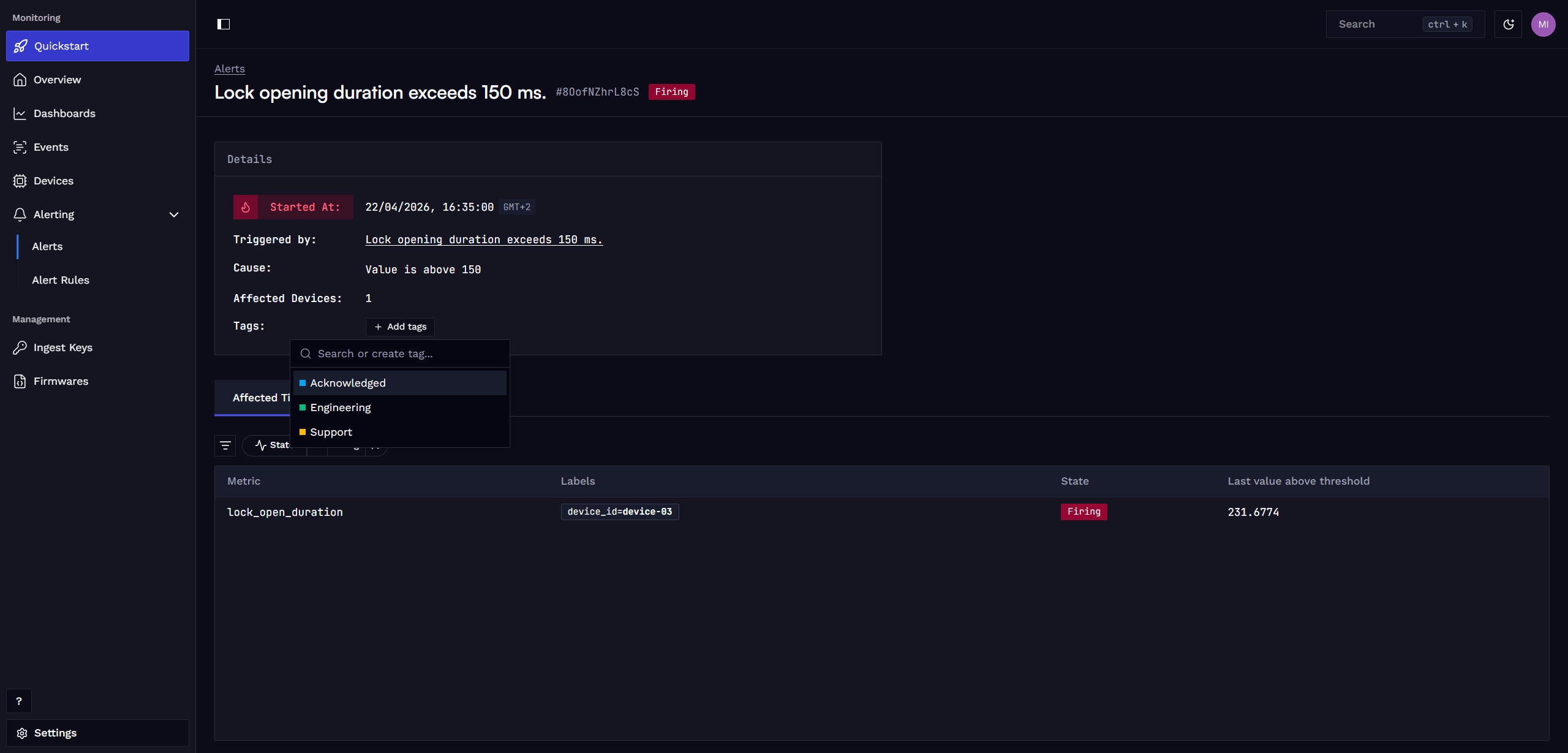
Filter alerts by tags to quickly find relevant alerts in the alert list.
Learn more
Fundamentals: Metrics
Guide: Metrics with Zephyr
Guide: Metrics with MQTT
Guide: Create custom dashboard
How is this guide?