Create custom dashboard
Learn how to configure custom dashboards in Spotflow to monitor your embedded device fleet effectively.
Create Dashboard
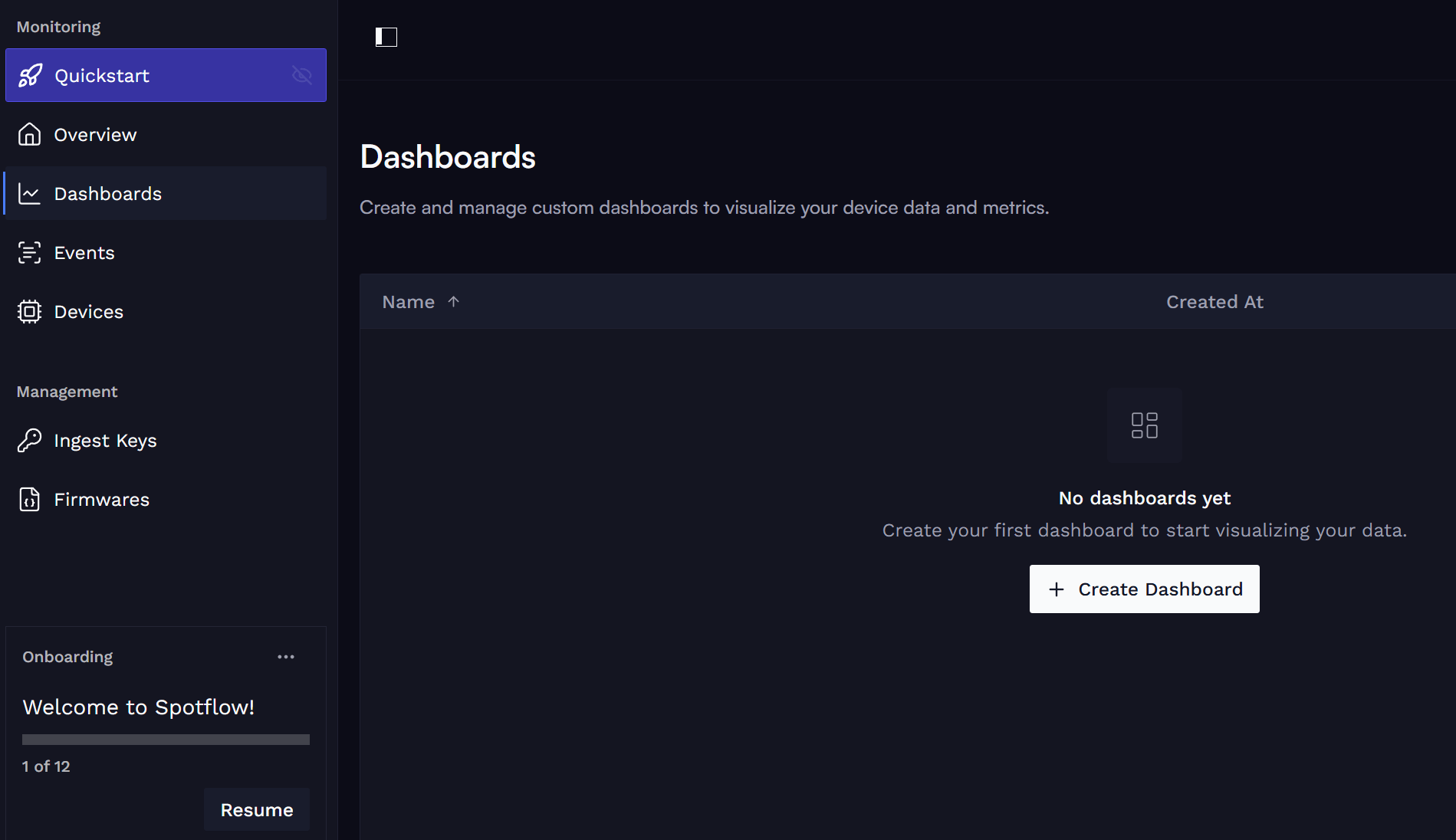
Start creating your own dashboard by clicking + Create Dashboard on Dashboards in Spotflow portal.
Pick a suitable name and, optionally, a longer description.
Add Premade Widgets
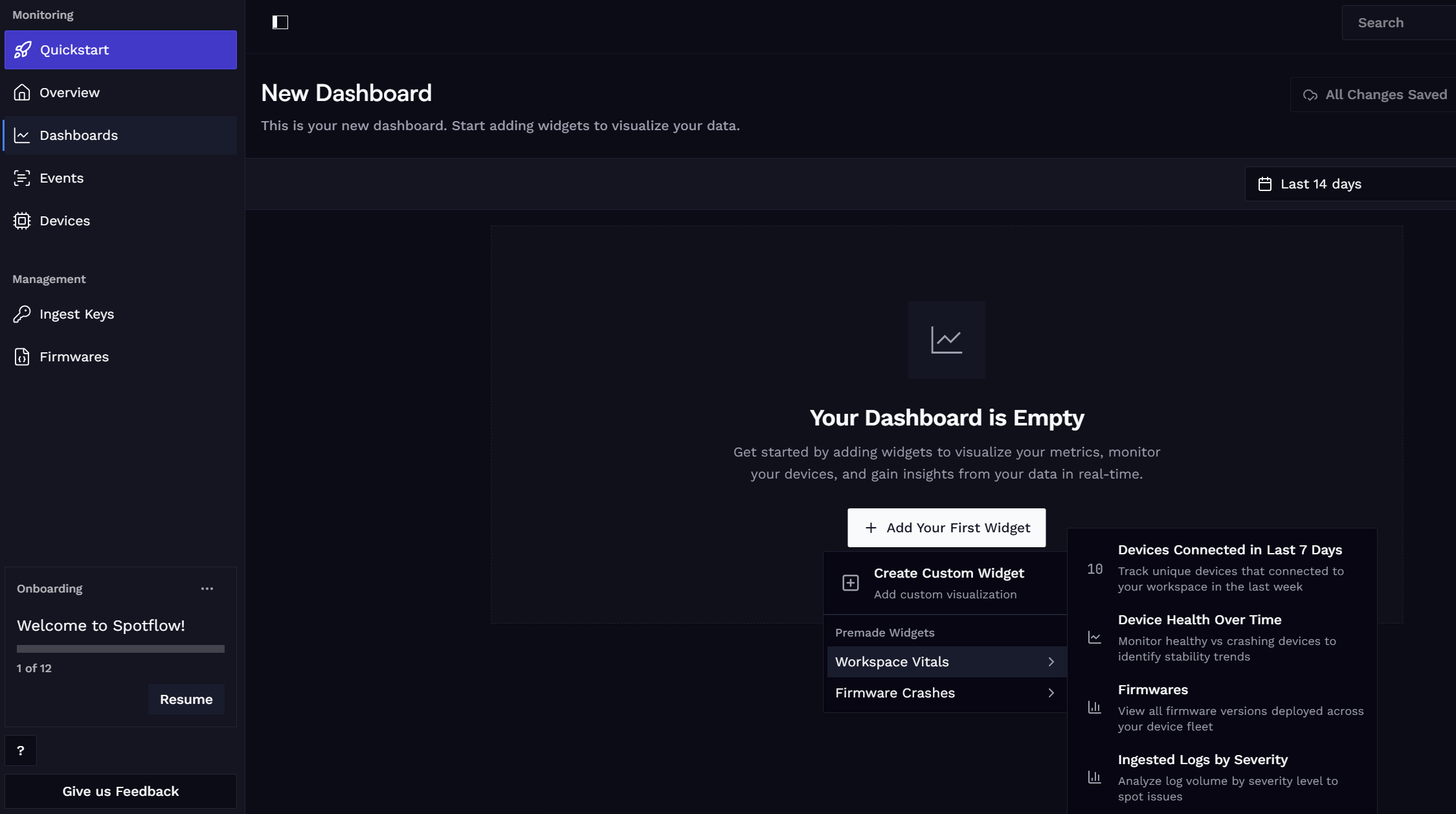
Add one or more premade widgets.
These widgets are pre-configured to show key metrics and insights about your device fleet, such as connectivity, crashes, firmware versions, and more. They provide a great starting point for monitoring your devices without needing to set up custom queries or configurations.
You can check existing widgets in Dashboards documentation or directly in the Spotflow portal.
Add Custom Widgets
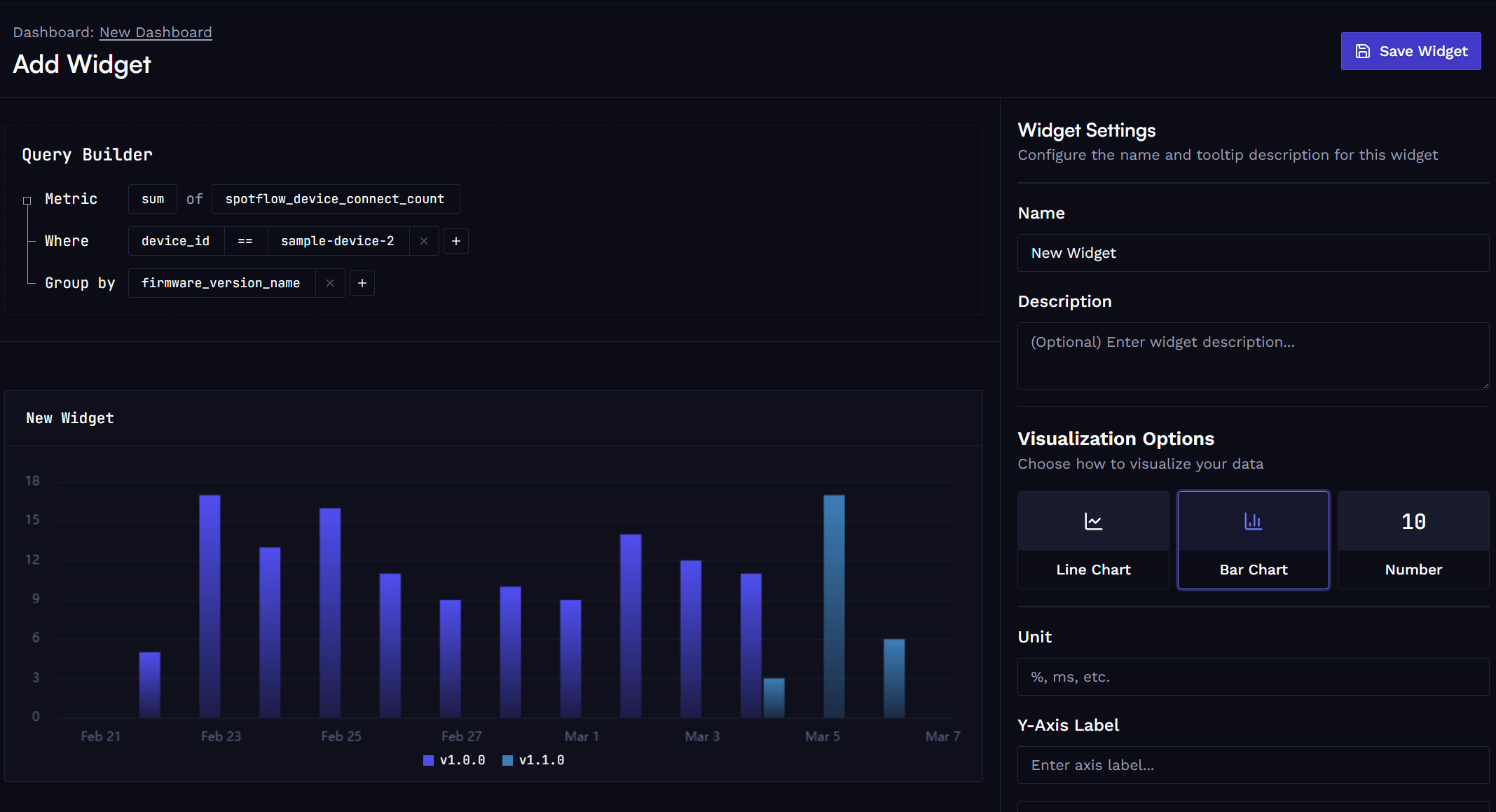
Add one or more custom widgets. Use GUI builder to configure data queries and visualizations to create tailored views of your device data.
Use the builder to select a metric name and optionally filters and grouping based on built-in or custom labels.
Using the Dashboard
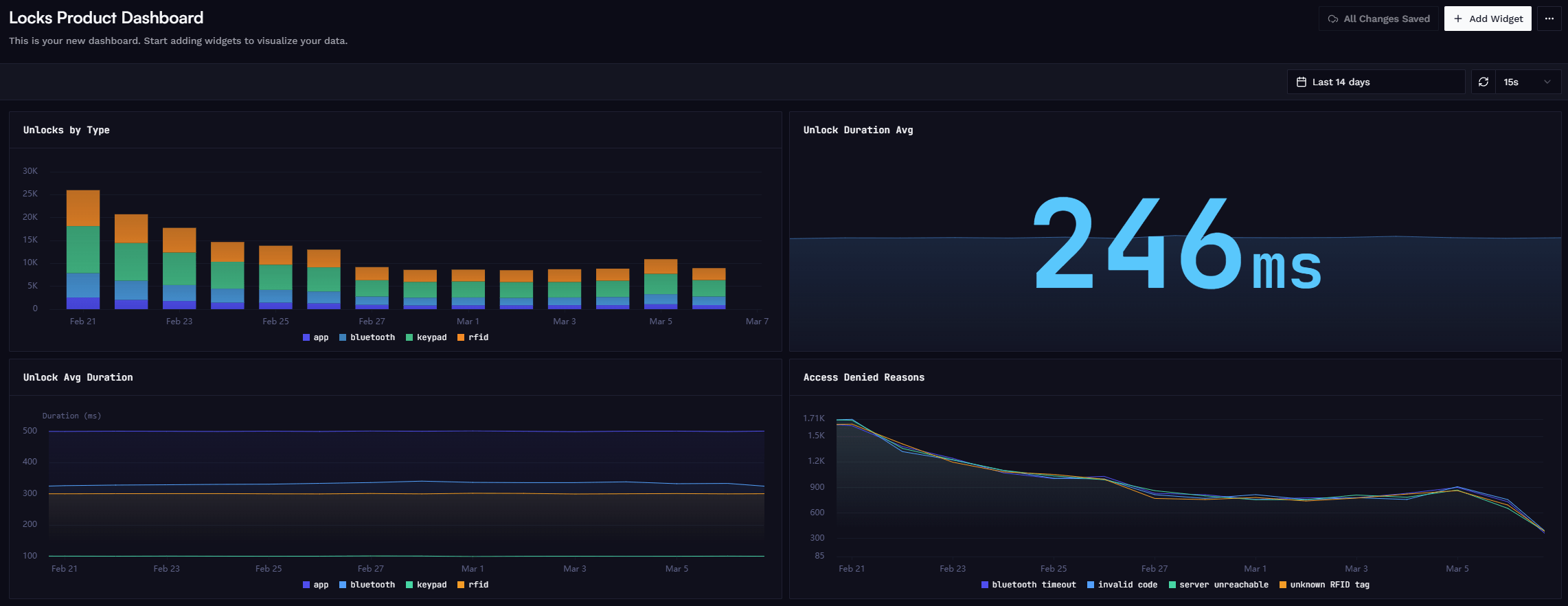
After adding all required widgets, save the dashboard and start using it to monitor your devices.
Configure the desired time range and auto-refresh frequency.
Anytime, you can go back and:
- Add or remove widgets.
- Resize & rename existing widgets.
- Create additional dashboards.
Learn more
Fundamentals: Metrics
Fundamentals: Dashboards
Guide: Metrics with Zephyr
Guide: Metrics with MQTT
How is this guide?